
How External Hard Drive Recovery Works When File Systems Become Corrupted
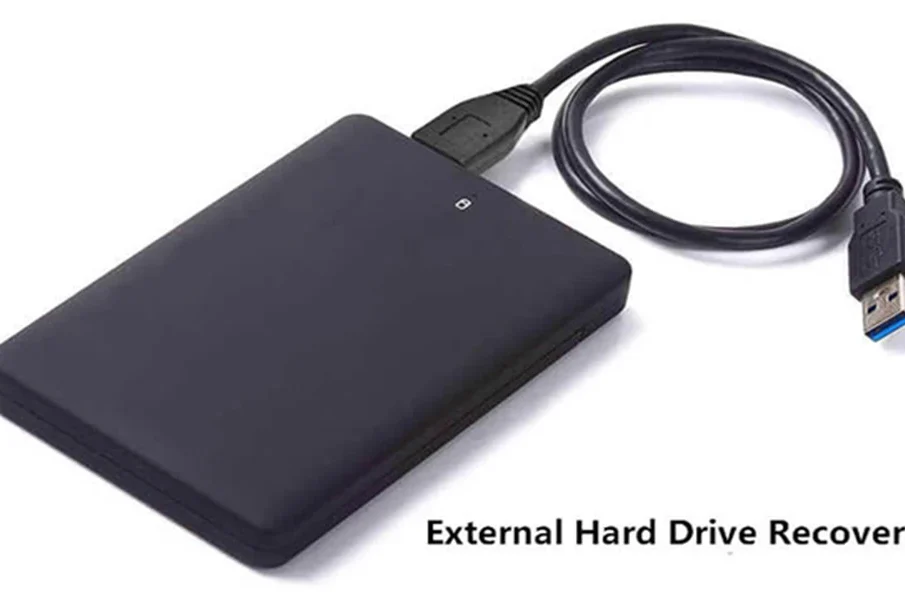
External HDDs are essential for storing personal files and business documents. Their high storage capacities allow you to store a large volume of data. Despite their convenience, external drives have a risk of losing data. File system corruption is the biggest problem encountered by users. Although the drive appears empty, the files are inaccessible. The best external hard drive recovery software is intended to scan corrupted file systems and rebuild damaged structures.
Understand the corruption of the file system
A file system helps you organize and manage every file on your drive. Moreover, it tracks your folder structures, file names, and storage locations. For this reason, the Operating System can retrieve information efficiently. NTFS and FAT32 are the most popular file systems.
When they get corrupted, the OS is unable to understand how it organizes the stored data. That is why you find an error message, such as ‘Drive is inaccessible’. Although the message is alarming, it causes issues with the file system only.
But, what is the reason behind the file system corruption? Improper disconnection of the drive during the file transfer is the most common cause of the problem. Other potential causes are hardware failures, defective USB connections, malware infections, and system crashes.
How does an external HDD work?
External HDD recovery starts with the identification of a physical or logical problem. If the drive is identified by the PC but the file is corrupted, recovery applications perform a read-only scan. The software recreates damaged partitions while restoring original folder structures. Recovered data will be easier to organize after successful restoration.
Drive recovery software, such as PandaOffice Drecov helps you restore your files. Selective file restoration is another significant feature of this application. Choose the premium plan and remove your concerns about losing data.
Conclusion
File system corruption is one of the causes of an inaccessible drive. However, it does not mean permanent loss of the stored data. Thus, you need to use a reliable application to restore the files. Check the features of the application and use it efficiently.


